
To ensure that we all understood how to work in the same 3D style in blender, we all sat down and made a wooden plank together during a Friday session.
This involved Bayley and Benedict helping me and Alex find where the tools were that we needed in blender.
The main focus points were:
- using the bevel modifier and how to set it up
- ensuring the lighting works with smooth shading
- checking that faces were in the correct orientation
- having a good topology so that the lighting worked well within the game (This included talking about Ngons and Tri’s)
We all started with a cube which we then stretched to shape and subdivided. Using the rotate tool and bending the shape a little helped to give it a weathered effect. I created little splits in the wood by seperating edges/verticies into two and pulling them apart.
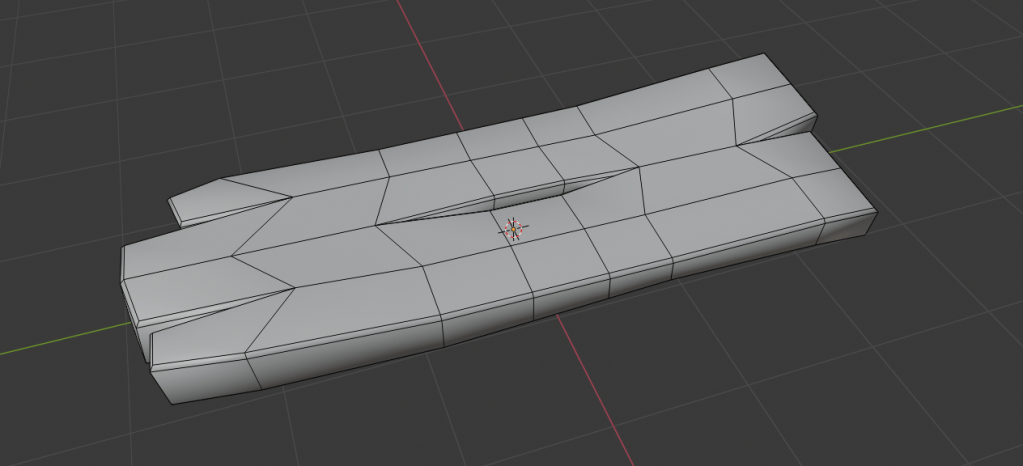
My wooden plank contained no Ngons and was beveled correctly along the harsher angled edges to create good lighting when the smooth shading was applied.
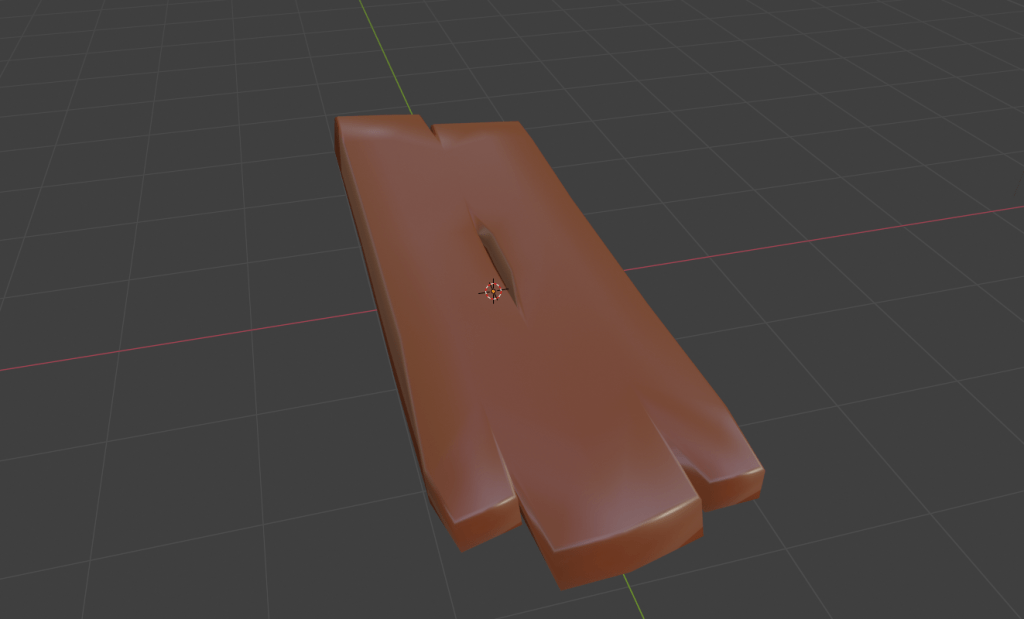
Once the smooth shading was applied I added a flat colour to see how the plank would look with the lighting.
Finally I rendered the plank to see what it would potentially look like in the game.
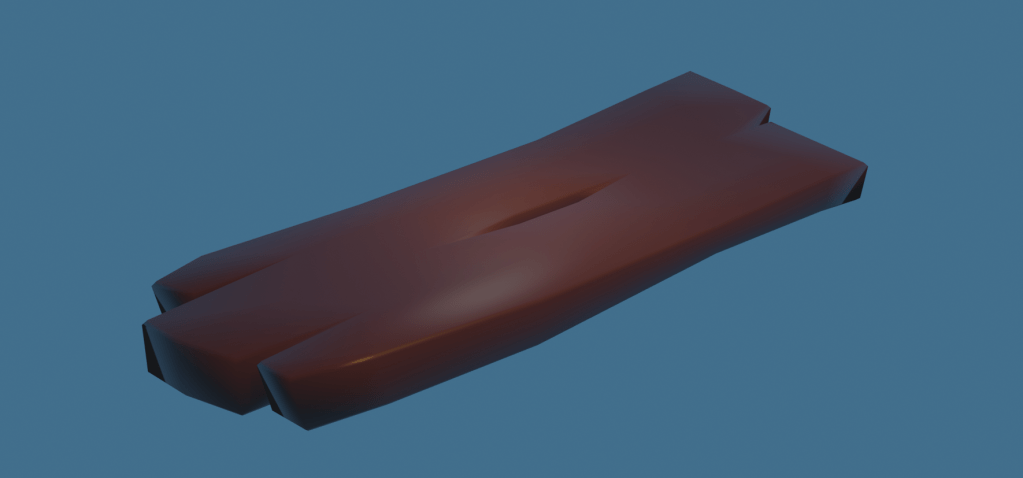
With a finalised texture from benedict it would fit well with the low poly smooth shaded style.
 SketchbookMegan