
Once all the music was in place, I wanted to add some atmospheric sounds to the background in unity. These are going to be recorded, edited in audacity (to remove white noise) and positioned to create some nice natural sound variation within the game. Below is a list of potential sounds and how I could create them.
- Water swishing (Bath/sink fall of water, swish with hand. Shake water in a bottle)
- Splashes (Drop object into water)
- Bubbles (Blow bubbles into bath/sink or cup of water, maybe try with soap too)
- Water gushing (Tap, Hose, record at the exit point)
- Squelch (Squishing slime or soap between hands)
Creation and Experimentation
After trying all of the sounds on my list, there were a few that didnt work because they created higher pitch “dry” sounds that wouldnt be experienced underwater. These sounds were:
- Water gushing
- Splashes
- Squelching
However the sounds that did work were the bubbles and the swishing as I could remove all “dry” noise in Audacity, making the sounds feel like they were made underwater.
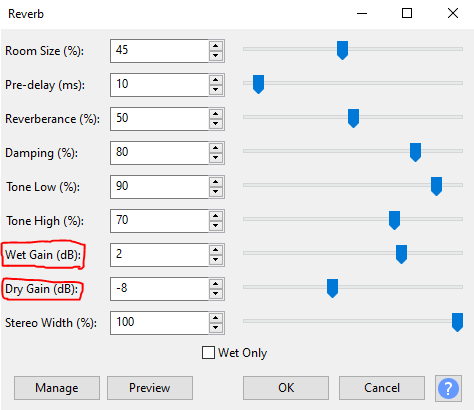
I had a look on Freesound.org to see if there were any sounds I could get inspiration from in order to make my own sound effects.
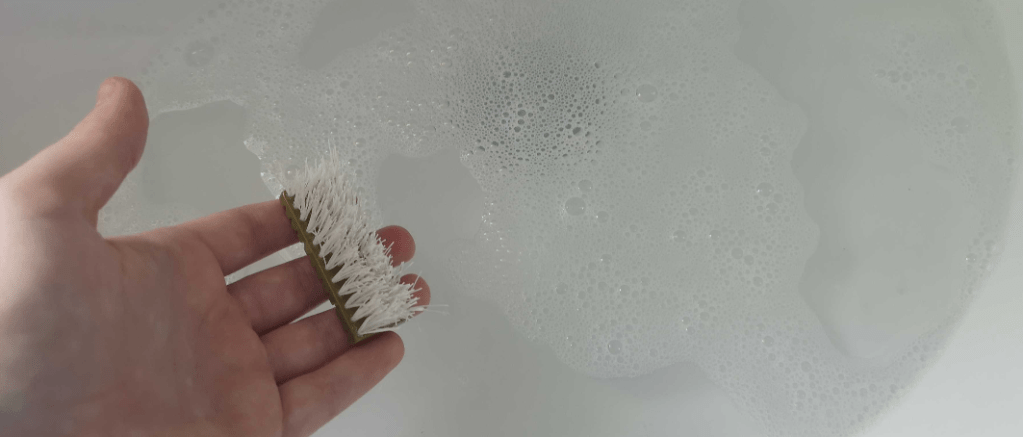
One sound that I wasnt quite sure how to make was the slug sliding along the ocean floor. I came across this footsteps in puddles sound (https://freesound.org/people/InspectorJ/sounds/328168/) and the squelching noises fitted what I needed, but I wanted to record something with slightly less ‘foot’ impact. I came up with the idea of splatting something a bit more floppy on the water surface to get the desired effect. So after trying a few different objects I decided on the sound I created by sloshing a brush on the surface of the water.
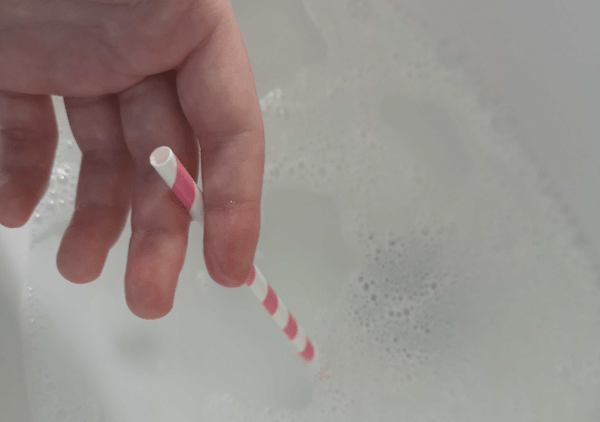
Creating the two different bubble sounds was interesting as I used a straw to blow bubbles into the water. This meant I could control the speed at which I blew the air and how much air I blew.
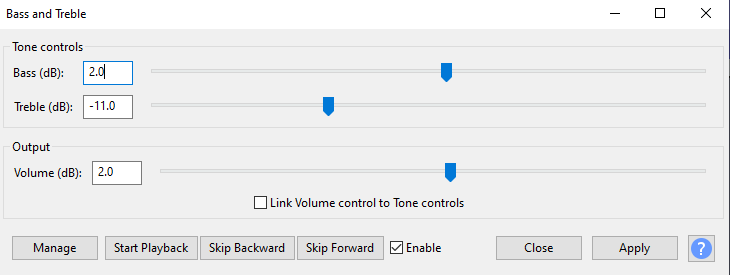
The bass on these bubble sounds was amplified and the treble was lowered to get rid of some of the “tinny” dry sounds.
I ended up with one character bubble effect, which could be used when a character moves or talks, and one atmospheric bubble effect, which was a lot slower and sounded like it came from in the distance.
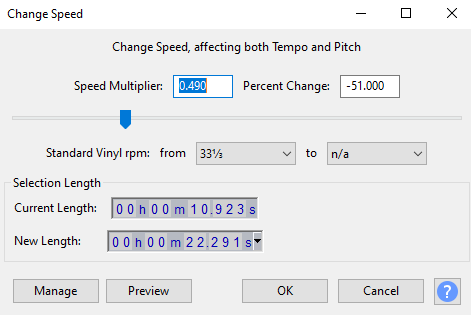
For the atmospheric bubble effect I considerably slowed down the original sound in Audacity, which also lowered the pitch.
I ended up with 3 atmospheric sounds that I was happy with. These can be heard below:
 SketchbookMegan